


How to Use a Lawn Mowing Online Scheduler for Easy Lawn Care

Keeping your lawn neat and tidy is important, but finding the time to mow it can be tough. Between work, family, and other responsibilities, lawn care often gets pushed to the bottom of the list. That’s where a lawn mowing online scheduler comes in handy. It makes booking lawn mowing services quick, simple, and stress-free.
In this post, I’ll walk you through why using an online scheduler is a game-changer. I’ll also share tips on how to get the most out of it, what to expect, and how it can save you time and effort. Let’s dive in!
Why Choose a Lawn Mowing Online Scheduler?
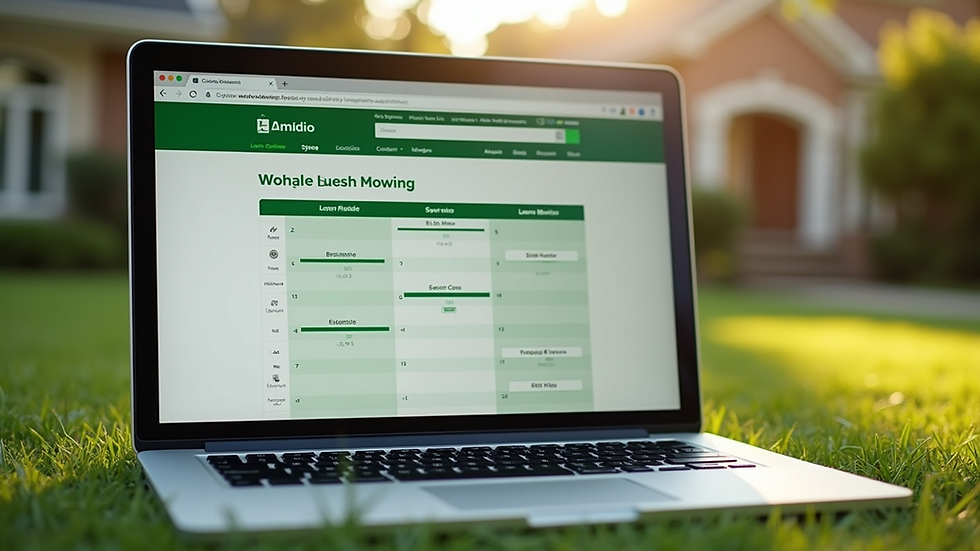
Using a lawn mowing online scheduler means you can book your lawn care service anytime, anywhere. No more waiting on hold or trying to catch someone during business hours. You just hop online, pick a time that works for you, and confirm your appointment.
Here are some benefits of using an online scheduler:
Convenience: Book your service 24/7 from your phone or computer.
Flexibility: Choose the date and time that fits your busy schedule.
Transparency: See available slots and pricing upfront.
Reminders: Get automatic notifications so you don’t forget your appointment.
Customization: Select specific services like edging, trimming, or leaf cleanup.
For busy property owners, this means less hassle and more control over lawn care. You can plan ahead and keep your yard looking great without the back-and-forth phone calls.

How to Use a Lawn Mowing Online Scheduler
Using a lawn mowing online scheduler is straightforward. Here’s a simple step-by-step guide to help you get started:
Visit the website: Go to the lawn care provider’s site that offers online booking.
Enter your address: This helps confirm service availability in your area.
Choose your service: Select lawn mowing or any additional services you want.
Pick a date and time: The scheduler will show open slots for you to choose from.
Provide details: Add any special instructions or preferences.
Confirm and pay: Review your booking and complete payment if required.
Receive confirmation: You’ll get an email or text with your appointment details.
It’s that easy! You can even reschedule or cancel if your plans change. This flexibility is perfect for busy schedules.
How much should you pay a friend for cutting your grass?
Sometimes, you might consider asking a friend to mow your lawn. It’s a nice gesture, but it’s important to be fair about compensation. Paying a friend for lawn mowing depends on several factors:
Size of your lawn: Larger yards take more time and effort.
Frequency: How often do you need mowing? Weekly, biweekly?
Equipment: Does your friend have their own mower and tools?
Local rates: Check what professional services charge in your area.
On average, paying a friend between $15 and $30 per session is reasonable. You want to show appreciation without undercutting professional services. If your friend is doing extra work like edging or trimming, consider a bit more.
Keep in mind that professional lawn care services often include insurance, quality guarantees, and reliable scheduling. Using a lawn mowing online scheduler to book a pro can save you headaches and ensure your lawn looks its best.
Tips for Getting the Most from Your Lawn Mowing Service
Once you’ve booked your lawn mowing online, here are some tips to make sure you get the best results:
Clear the yard: Remove toys, garden tools, and debris before the service day.
Communicate clearly: Use the scheduler’s notes section to mention any special requests.
Set expectations: Let the service know if you want a specific grass height or pattern.
Schedule regular visits: Consistent mowing keeps your lawn healthy and neat.
Check the work: After mowing, take a quick look to ensure everything meets your standards.
By following these tips, you’ll enjoy a beautiful lawn without lifting a finger.

Why Scheduling Lawn Mowing Online Works Best for Busy Property Owners
For busy residential and commercial property owners, time is precious. Using a lawn mowing online scheduler helps you:
Save time: No need to call or email back and forth.
Avoid missed appointments: Automated reminders keep you on track.
Get reliable service: Professional providers stick to your schedule.
Customize your care: Add services like fertilizing or weed control easily.
Manage multiple properties: Book services for several locations in one place.
This approach fits perfectly with a busy lifestyle. You get a well-maintained lawn without the stress or hassle.
If you want to make your life easier and keep your lawn looking great, try to schedule lawn mowing online today. It’s a smart, simple way to stay on top of lawn care.
Making Lawn Care a Breeze with Technology
Technology has changed how we manage everyday tasks, and lawn care is no exception. A lawn mowing online scheduler is a perfect example of how digital tools can simplify your life.
No more guessing when the lawn will get mowed or scrambling to find a last-minute service. You can plan ahead, set reminders, and even pay online. This means less stress and more time to enjoy your outdoor space.
Plus, many online schedulers offer customer reviews and ratings. This helps you pick a trusted provider who delivers quality work every time.
Using a lawn mowing online scheduler is a smart choice for anyone who wants a beautiful lawn without the hassle. It saves time, offers flexibility, and ensures your yard gets the care it deserves. Give it a try and see how easy lawn maintenance can be!


Comments