


Efficient Lawn Care Scheduling with Apps

Keeping a lawn healthy and beautiful takes time and effort. For busy property owners, managing lawn care tasks can feel overwhelming. That’s where technology steps in to help. Using apps for lawn care scheduling can make your life easier and your lawn look great all year round. I’ve found that these tools help me stay on top of everything without stress. Let me share how you can use them too.
Why Efficient Lawn Care Scheduling Matters
A well-maintained lawn adds curb appeal and value to any property. But lawn care involves many tasks: mowing, watering, fertilizing, aerating, and pest control. Each task has its own timing and frequency. If you miss a step or do it at the wrong time, your lawn might suffer.
Efficient lawn care scheduling means planning these tasks so they happen at the right time. It helps you avoid overdoing or neglecting any part of your lawn’s needs. When you schedule properly, your lawn stays healthy, green, and lush.
For busy people, keeping track of all these tasks can be tricky. That’s why I recommend using a lawn care scheduling app. It reminds you when to do each job and helps you plan ahead. This way, you never miss an important step.
How to Use Efficient Lawn Care Scheduling Apps
Using a lawn care scheduling app is simple and effective. Here’s how I use one to keep my lawn in top shape:
Set Up Your Lawn Profile
Most apps ask for details about your lawn size, grass type, and location. This info helps the app create a customized care plan.
Get a Task Calendar
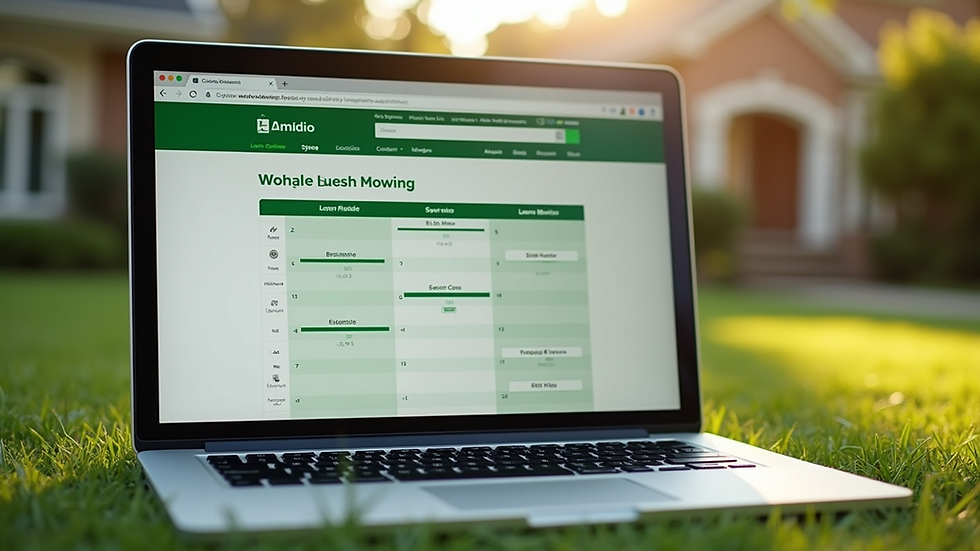
The app generates a calendar with reminders for mowing, watering, fertilizing, and more. It tells you exactly when to do each task.
Track Your Progress
You can mark tasks as done and see your lawn care history. This helps you stay consistent and spot any missed jobs.
Receive Tips and Alerts
Many apps offer advice based on weather and season. For example, they might warn you about upcoming frost or suggest extra watering during dry spells.
Sync with Your Schedule
You can link the app to your phone calendar. This way, lawn care fits smoothly into your daily routine.
Using a lawn care scheduling app has saved me time and kept my lawn looking great. It’s like having a personal lawn assistant in my pocket.

Is There a Free App to Help with Landscaping?
Yes, there are free apps that can help with landscaping and lawn care scheduling. These apps offer basic features like task reminders, lawn care tips, and simple calendars. They are perfect if you want to try out scheduling without any cost.
Some popular free options include:
LawnStarter: Offers scheduling and lawn care advice tailored to your location.
My Lawn: Created by Scotts, it provides a personalized lawn care plan.
Gardenate: Helps with planting schedules and garden planning.
While free apps are useful, they may have limited features compared to paid versions. For example, they might not sync with your calendar or provide detailed weather alerts. But they are a great starting point if you want to organize your lawn care without spending money.
If you want more advanced features, consider upgrading to a paid app or using a service like Buzzer’s Lawn Service, which combines expert care with smart scheduling.
Tips for Getting the Most Out of Lawn Care Scheduling Apps
To make the most of your lawn care scheduling app, keep these tips in mind:
Be Honest About Your Lawn’s Needs
Enter accurate information about your lawn size and grass type. This helps the app create a realistic plan.
Check the Weather Regularly
Even with an app, keep an eye on local weather. Adjust watering and fertilizing if needed.
Set Reminders for All Tasks
Don’t just focus on mowing. Set reminders for fertilizing, aerating, and pest control too.
Use Notifications
Turn on app notifications so you don’t miss important tasks.
Combine with Professional Help
If you’re too busy, use the app to schedule visits from lawn care professionals. This keeps your lawn in expert hands.
Review and Adjust
At the end of each season, review your lawn’s condition. Adjust your schedule in the app for better results next year.
By following these tips, you’ll keep your lawn healthy and save time.

Why Buzzer’s Lawn Service Supports Smart Scheduling
At Buzzer’s Lawn Service, we know how busy life can get. That’s why we support using smart tools like lawn care scheduling apps. They help you stay organized and ensure your lawn gets the care it needs on time.
We offer customized lawn maintenance plans for St. Louis County residents and businesses. Our team works with you to create a schedule that fits your property and lifestyle. Whether you want to handle some tasks yourself or leave everything to us, we make it easy.
Using technology combined with expert care means your lawn looks its best all year. We want to be your go-to lawn care provider by making lawn maintenance simple and reliable.
Making Lawn Care Easy and Stress-Free
Scheduling lawn care doesn’t have to be a chore. With the right app and a little planning, you can keep your lawn healthy without hassle. Remember these key points:
Use a lawn care scheduling app to get reminders and tips.
Plan all tasks, not just mowing.
Adjust your schedule based on weather and lawn condition.
Combine app use with professional lawn care services if needed.
By staying organized, you save time and avoid lawn problems. Your property will look great, and you’ll enjoy more free time.
Try a lawn care scheduling app today and see how much easier lawn maintenance can be. Your lawn will thank you!
If you want expert help with your lawn care schedule, check out Buzzer’s Lawn Service. We’re here to make your lawn the best on the block.


Comments